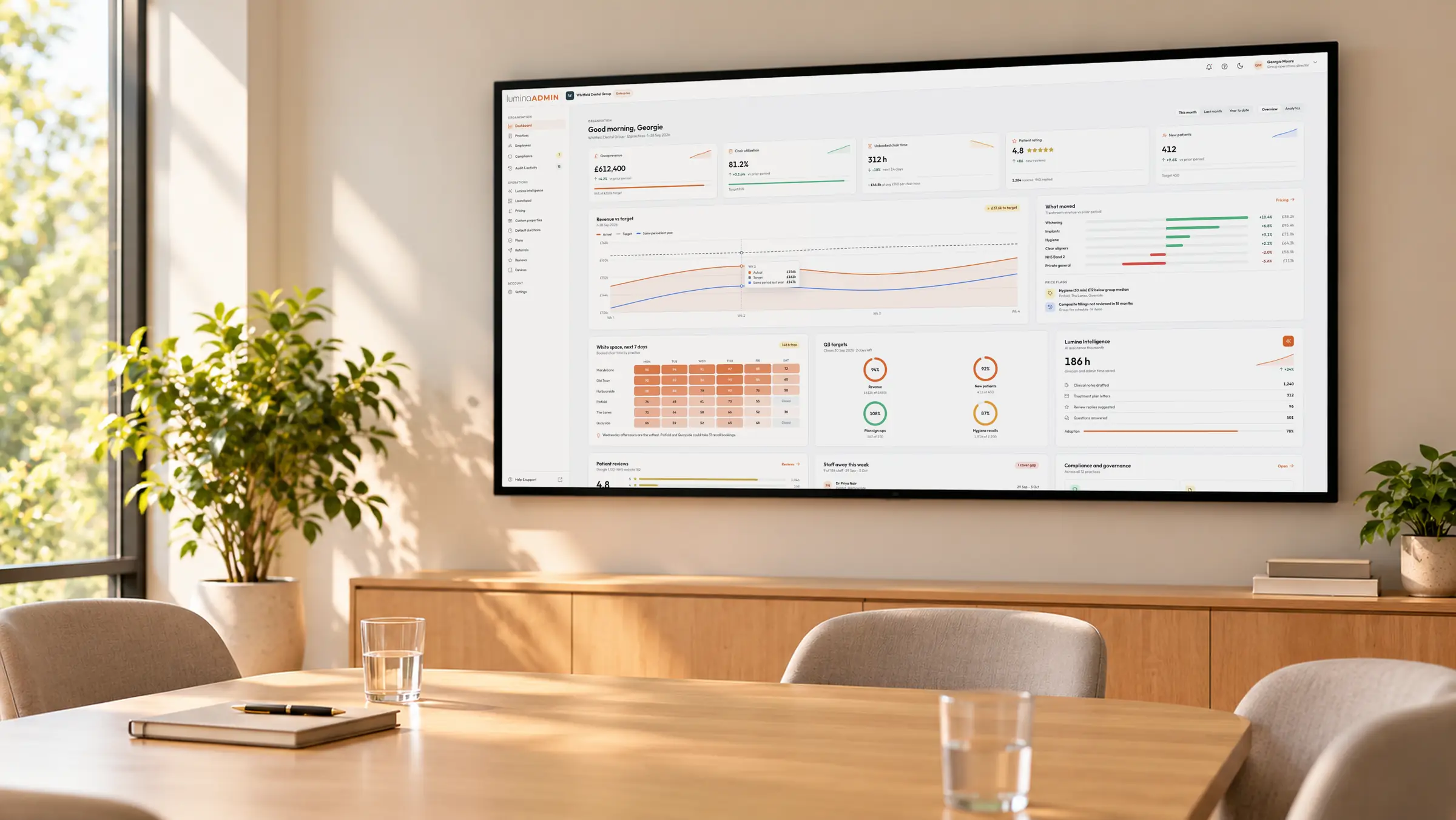

Run one practice or a group from Lumina Admin.
Dashboard, fee schedules, membership plans, rota, compliance and equipment for one practice or a group, set once in Admin and used across Core and the Portal.
One practice or a group · Direct Debit plans built in · Included on every plan
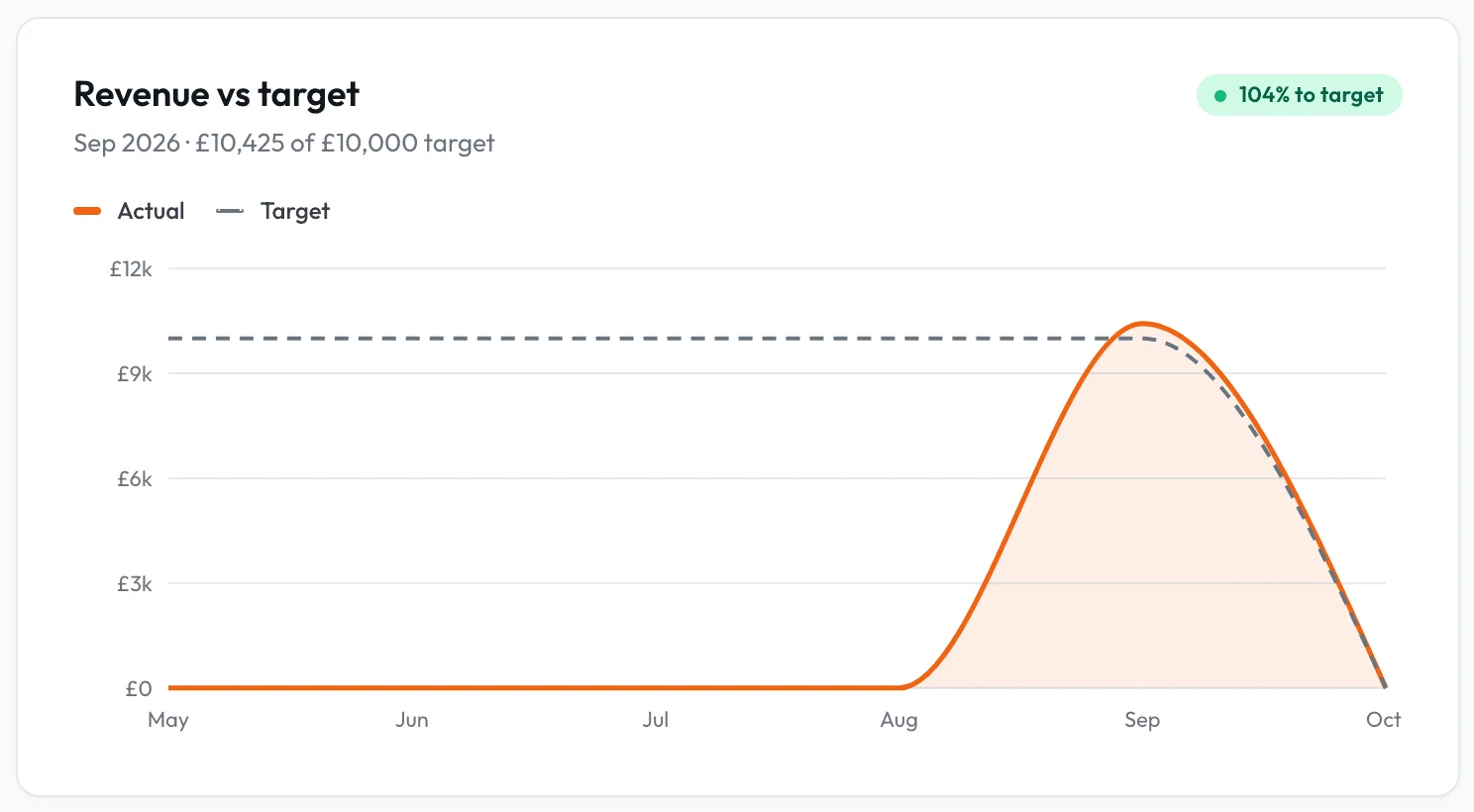
Your figures, against your target.
Billed revenue, collections rate, chair utilisation, session pipeline, NHS band mix, plan economics, patient satisfaction and medical histories, across the group.
- 1.1Needs attentionA DNA rate or late cancellations above 5%, patients breaching your attendance policy and overdue recalls are flagged.
- 1.2EngagementStaff and patient sign-ins and activity by hour, including the share outside opening hours, as counts only.
- 1.3Practice by practiceBookings, new patients and sessions per practice, downloadable as a spreadsheet.
One sign-in, three apps.
Core, Admin and Lumina Portal share one record of practices, staff, patients and prices, and managers open Admin from their name in Core.
How the platform fits togetherSet it once for the group, change it where a practice differs.
Organisation prices with practice overrides, task rules per practice, and one person working at several sites on a single record.
- 3.1Edits reach every practiceChange someone's email or GDC number once, and it saves at every practice they work at.
- 3.2Rota, time away and working daysTime away and a locum's one-off working day update the diary and online booking.
- 3.3Leavers and rolesOnly administrators change roles. Archive a leaver with a reason, see each person's last sign-in, or sign someone out of every device.
- 3.4Shared across the groupThe SMS allowance is pooled across practices, and referrals and reviews from every practice sit in one place.
Practice allocation
Rota and leave
Prices you set are the prices Core charges.
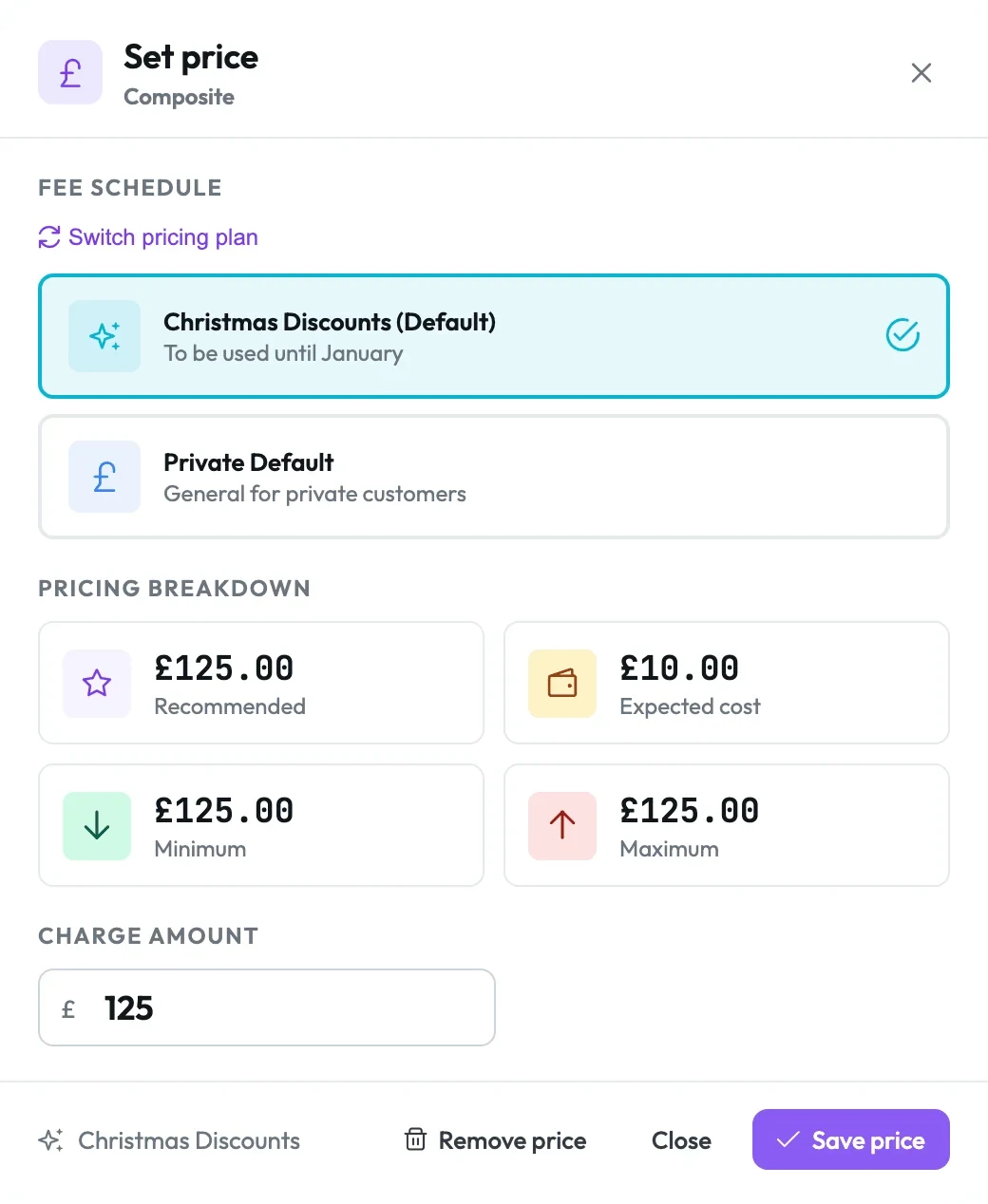
Set prices once across your fee schedules and practices, and Core uses them from charting and session planning to payment, so nobody passes round a paper price list.
- 4.1Seasonal offersRun a Christmas whitening price as its own fee schedule, with a different price at any practice that needs one.
- 4.2Import your price listAttach a spreadsheet, PDF or photo to Lumina Intelligence, check the matches and confirm.
- 4.3Prices out of lineAcross practices flags a practice price more than 20% from the organisation price, and every save needs a change note.
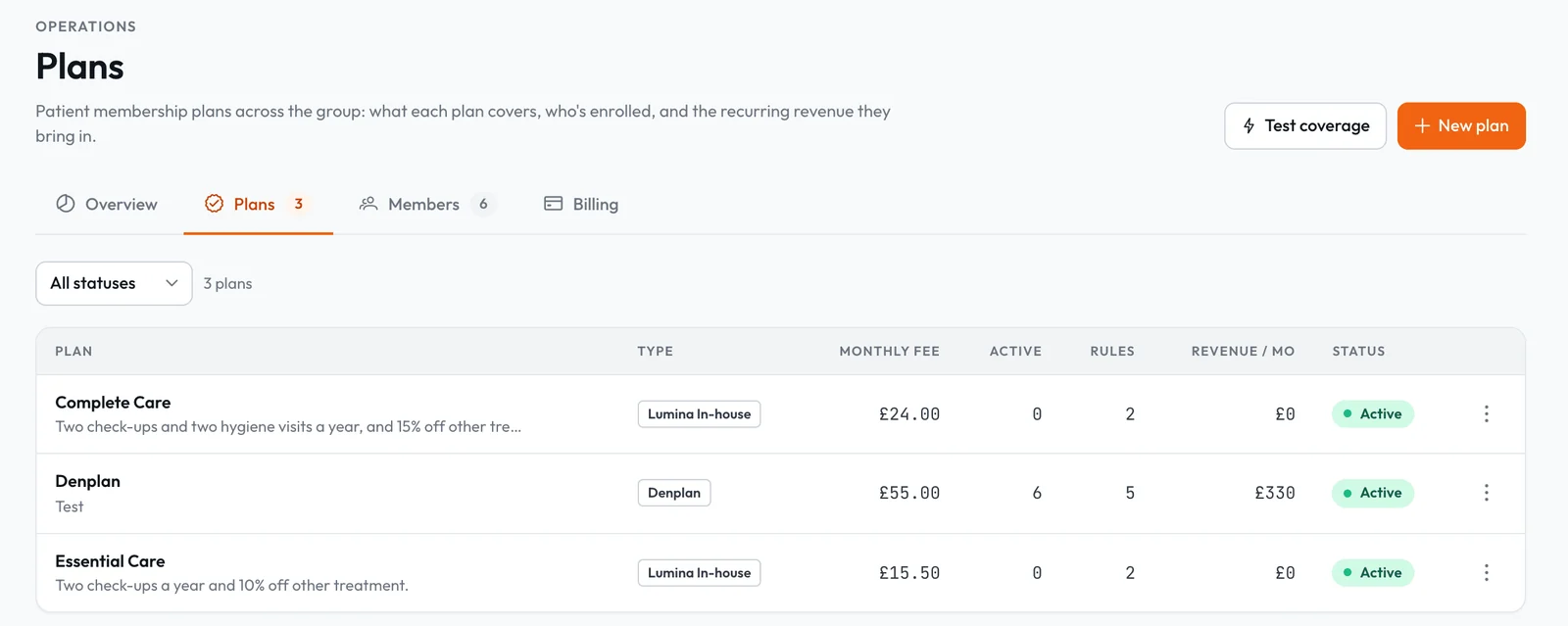
Your own membership plans, by Direct Debit.
Members pay by Direct Debit straight into your practice's account.
- 5.1Cover applies at sign-offAllowances count themselves, and a visit the plan fully covers closes with its invoice and receipt.
- 5.2Switch at your own paceKeep Denplan, Practice Plan, Tabeo and Patient Plan Direct members on record beside your own plan.
Compliance and audit on live practice data.
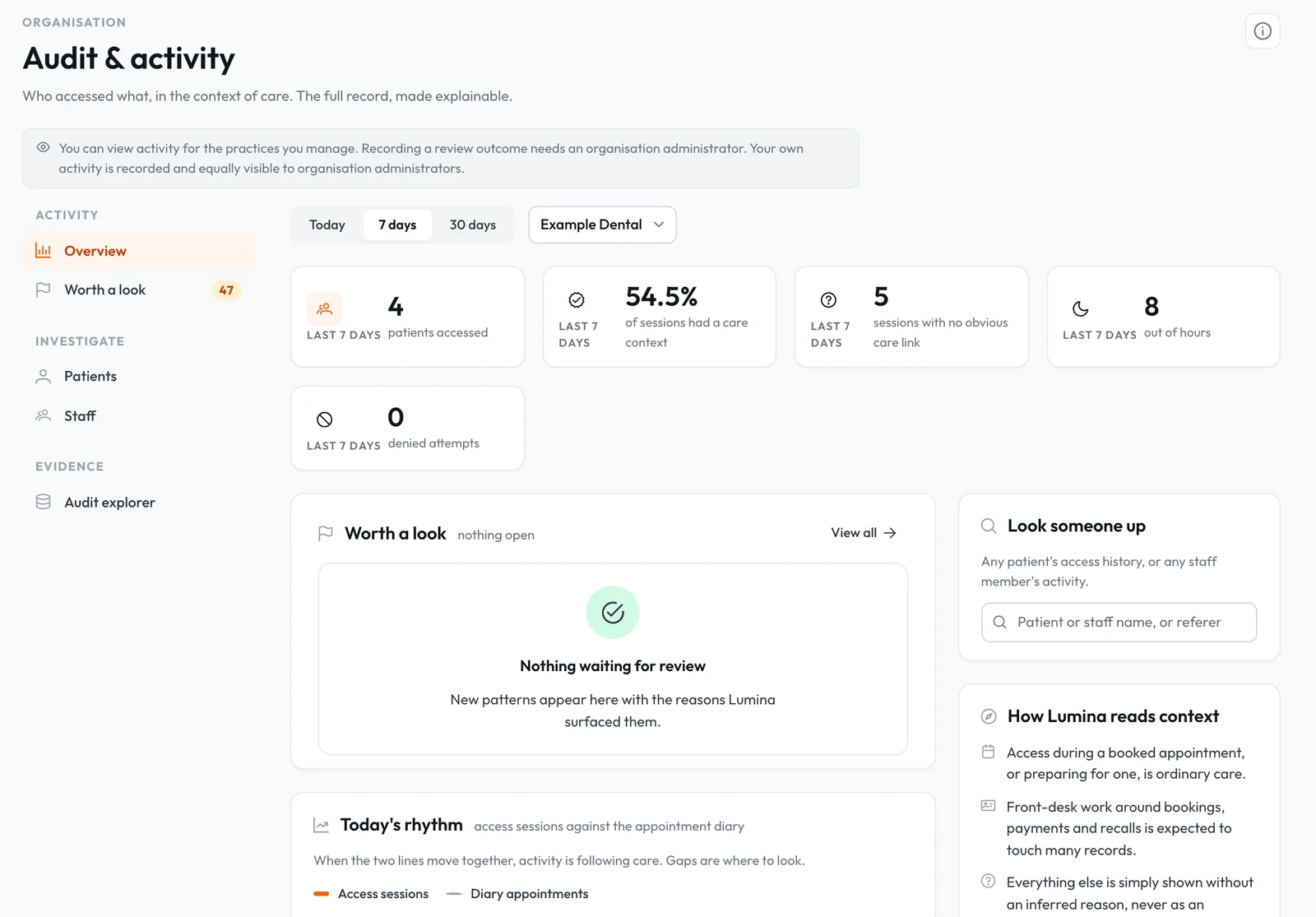
Policies, complaints, leads, signal rules and recalls sit in Compliance, and Audit & activity shows who opened a patient's record, read against the diary.
- 6.1Policies and leadsPublish policies with review dates, see who has opened them, and name a lead for each area at each practice.
- 6.2Signals become rulesThree late cancellations in 30 days can require a deposit or warn staff, with overrides kept on record.
- 6.3Audit & activityEvery access read against the diary, patterns flagged for review, and a CSV export for subject access requests.
Equipment out of the spreadsheet and the warranty folder.
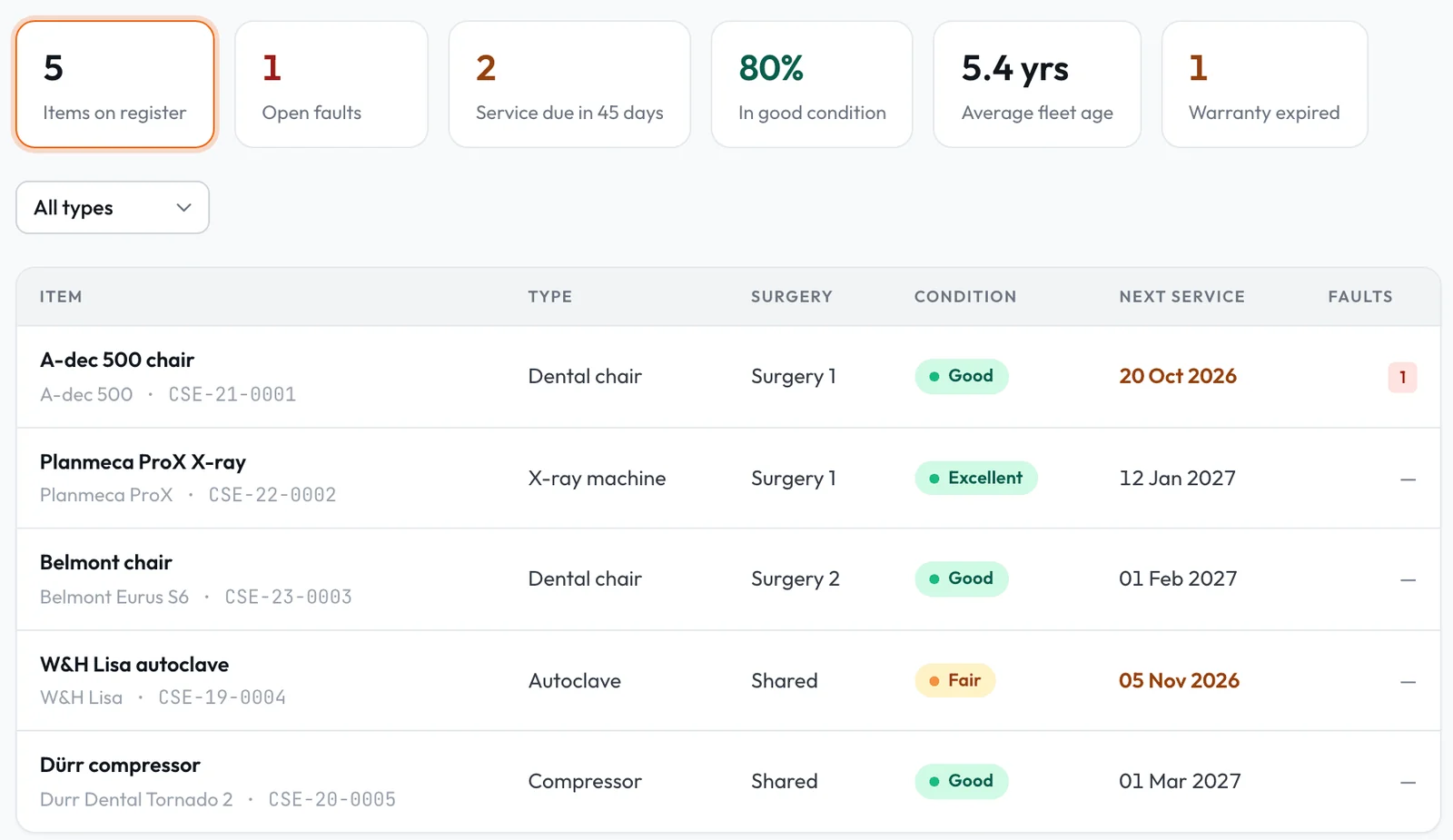
Chairs, X-ray units, autoclaves and compressors with serial numbers, warranties, service dates, faults and purchase costs, per surgery and practice.
- 7.1A fault log per itemOpen, In progress, Waiting for parts, Resolved and Closed, building a repair history.
- 7.2Figures for capital planningAverage fleet age, share in good condition, services due in 45 days and warranties expired.
Payments, security and billing.
Connect Stripe, change your subscription and tighten security yourself, with no support ticket.
Stripe and card readers
Connect your Stripe account, register card readers per practice, and tag exports with nominal codes for Xero, QuickBooks or Sage.
Online booking and deposits
Set the booking window, the bookable types and a deposit per appointment type, with the slot held until it is paid.
Online bookingSecurity
Require two-factor authentication for staff or patients, and see who could not be switched over.
Cost control
A monthly spending cap on AI and SMS, SMS pooled across practices, and AI switched off app by app.
Reviews
Read and answer patient feedback, and put the reviews you choose on your own website.
Reviews and feedbackPractice tablets
Pair a tablet for self check-in, medical history and consent, and revoke it at once if it goes missing.
Practice tabletsRun the practice from one place.
A setup wizard takes you through your first practice, team, opening hours and rota. Lumina Admin is included on every plan, free to start with no card required.