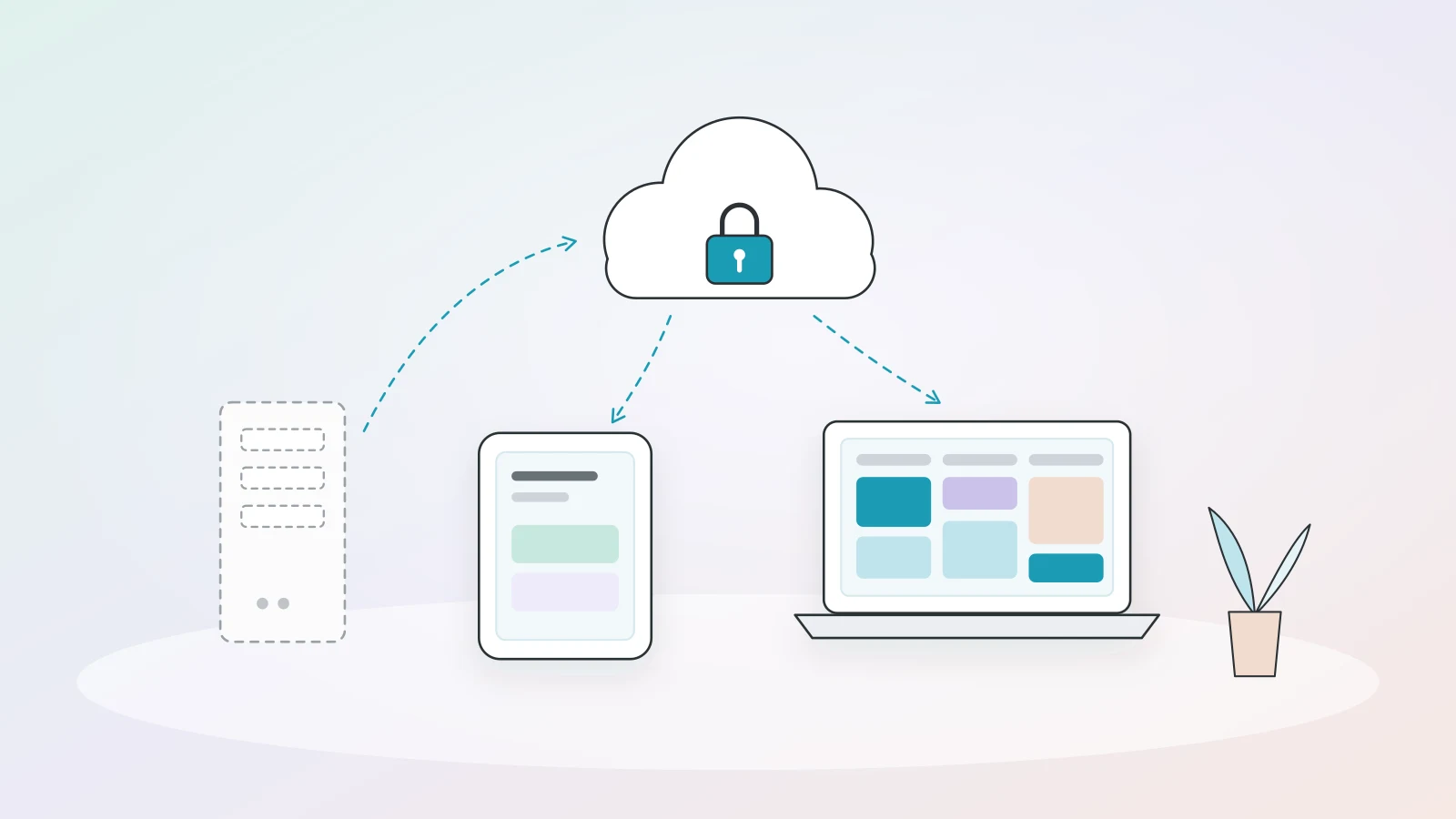
In some practices the dental software still lives on a server in a cupboard. It hums all day. Someone checks the backup. When it fails on a Monday morning, nobody can see the diary.
Cloud dental software takes that server away. This post explains what that means for a practice, what changes day to day and what to check before you move.
What cloud means
Cloud dental software is also called web-based dental software. It runs in a web browser, such as Chrome, Edge or Safari. The supplier runs the servers in a data centre. Your team signs in over the internet.
There is no server in the practice and nothing to install on each computer. The data is held by the supplier, not on a machine you own.
Some suppliers also host their older desktop software for you. Your team reaches it through a remote connection. That can be sold as cloud too. Ask which kind you are being shown.
What changes day to day
Any surgery. Any computer with a browser and an internet connection can open the diary. A new surgery does not need its own install.
Any site. If you have more than one practice on the same system, a manager can check either one from anywhere. What each person can see still depends on their role.
Updates. The supplier updates the system for everyone. Nobody stays late to install an update on each computer.
Backups. Backing up the data becomes the supplier’s job. Nobody swaps a backup drive on a Friday. Ask how the supplier does it.
The server. The server in the cupboard goes, and so does the cost of replacing it.
The internet. Your connection now matters more. If it drops, nobody can reach the system until it is back. A backup connection, such as a second line or a mobile hotspot, is worth having.
What to check before you move
Where the data is held. Patient records are health data, which UK GDPR treats as special category data. Ask which country the data is stored in, how it is protected and who else processes it.
How staff sign in. A browser system can be reached from anywhere. So sign-in matters more than it did on a server in the practice. Ask whether staff need a second step, such as a code or a passkey, and whether you can make it a rule.
What you can export if you leave. Ask what you get, in what form and for how long you can get at it after you cancel.
How the move is planned. Ask for the plan in writing before you sign: what moves, how long it takes and what it costs. Check your internet connection and your computers too.
How Lumina answers each check
Where the data is held. All data is hosted in the UK, on AWS in London (eu-west-2). It is encrypted in transit and at rest. Each organisation’s data is logically separated, with strict tenant-scoped access controls. Payment processing by Stripe may involve limited processing outside the UK, under UK GDPR safeguards. Our Sub-processor Schedule lists who processes what. We hold Cyber Essentials certification, and our NHS DSP Toolkit status is Standards Met.
How staff sign in. Every sign-in needs a one-time code sent to a verified email or mobile. Access depends on a verified channel, not a stored password. Passkeys and authenticator-app MFA are supported, and you can require them for your staff.
What you can export if you leave. Your data is yours. We provide a full export whenever you ask, on every plan. Monthly plans cancel at any time with no cancellation fee. After you cancel, you keep read-only access to your data for 90 days. You can ask for a full export at any time in that period.
How the move is planned. Tell us what you run today and we send a written assessment within one business day. It covers what moves, how long it takes and what it costs. It is yours to keep, whatever you decide. See moving to Lumina.
The hardware. Lumina runs in a web browser on the computers you already have. You do not need new hardware.
You can read more on our security page. If you run EXACT today, read Lumina vs SOE EXACT.