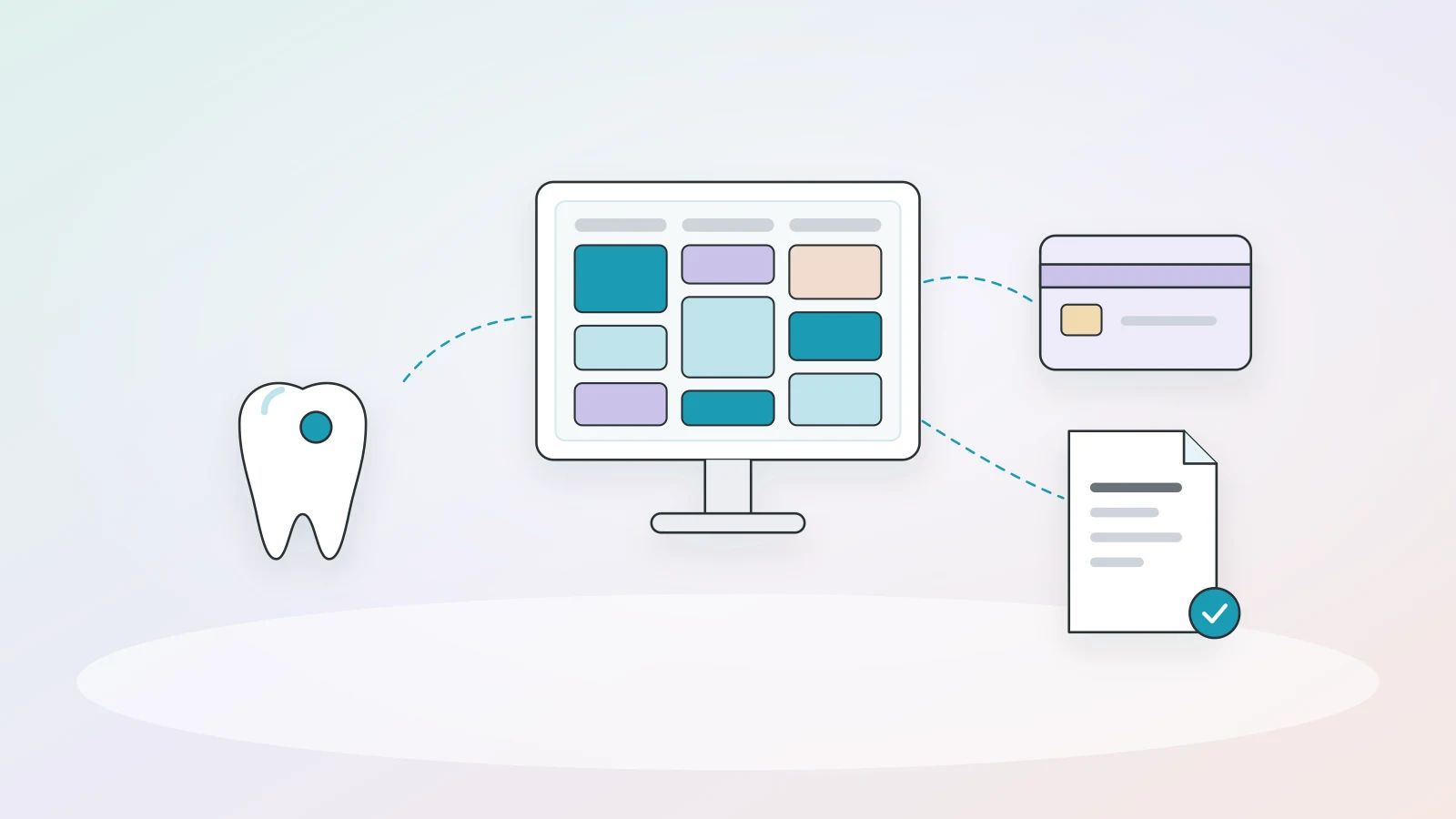
PMS stands for practice management system. You will also hear it called dental practice management software. They are the same thing.
It is the system your practice runs on. Reception opens it first thing on a Monday to check the diary. The dentist charts and writes notes in it. The practice manager uses it to see who still owes money.
If you work in a practice, you already use one. This post explains what it does, how it is priced and how to choose a new one.
What a dental PMS does
Follow one patient through a working day and you see most of it.
The diary. The patient is booked in a surgery, with a clinician, for a set length of time. Reception moves the appointment when the patient rings to change it.
The patient record. Contact details, medical history, X-rays, letters and consent forms all belong to the patient. The PMS keeps them in one place.
Charting and notes. The clinician charts the teeth, records the findings and writes the clinical note. Treatment plans are built from the chart.
Payments. The visit is priced and invoiced. The patient pays at the desk, or the balance waits on their record.
Recalls. When the patient is due back, the system reminds them and reception books them in.
NHS claims. For NHS work, the claim for each course of treatment is built and sent from the same system.
The jobs practices buy separately
Some practices run more than one system. The PMS holds the diary and the record. Then there is a separate tool for online booking, another for text reminders and another for forms the patient fills in at home. AI notes can be another subscription. A membership plan is often run by a plan provider, who keeps a fee for each patient.
Each tool has its own login and its own invoice. Information gets typed twice. A form the patient filled in at home is copied into the record by hand. A booking made online is checked against the diary.
When the jobs sit in one system, the work is done once. The form lands in the record. The online booking lands in the diary. There is one bill to check. We wrote more about this in our post on bolt-on tools.
Server or browser
Some systems run on a server in the practice. The software is installed on each computer, and the data sits on a server in a cupboard. Someone has to back it up, install the updates and replace the server when it gets old.
Other systems run in a web browser. The supplier runs the servers. Staff sign in from any computer with an internet connection. A browser system does need a reliable connection, so it is worth having a backup.
We go through what changes in Cloud dental software: what changes when the server goes.
How a dental PMS is priced
Suppliers count the price in different ways. Some charge per practice, some per surgery and some per user. Online booking, text messages and a patient portal may be included, or charged on top. Setup, training and moving your data can be extra.
So the headline price is only the start. Add up the full monthly bill for each system, with the extras you would really use. We set out the parts of the bill in What does dental software cost in the UK?
How to choose
Start with your own day. Write down what reception, the nurses, the clinicians and the manager do, and which systems they open to do it.
Then ask each supplier to show you those jobs in their system. Book a patient. Chart a filling. Take a payment. Send a recall. If you do NHS work, make a claim.
Ask what the full monthly bill would be for your practice. Ask what happens to your data if you leave.
We wrote a longer checklist in What to look for in a dental practice management system.
Where Lumina fits
Lumina is a dental PMS that runs in a web browser, with Core for clinicians and reception, Admin for owners and managers, and the Portal for patients, all working from the same patient record. It is free for one practice with up to 2 clinicians, then from £249 a month per practice on an annual plan.
See the platform, our pricing or how we compare.